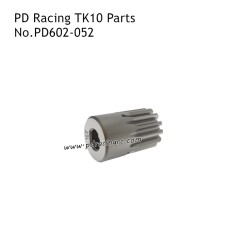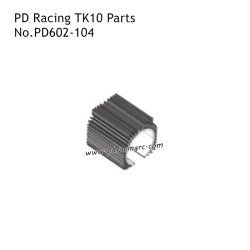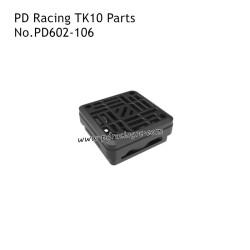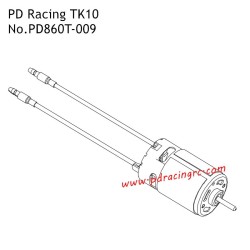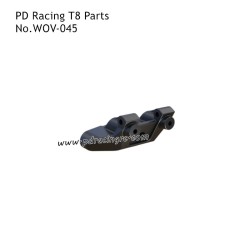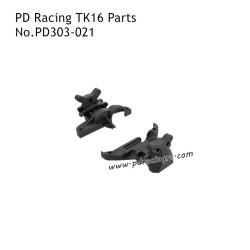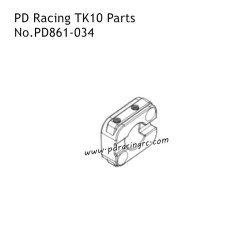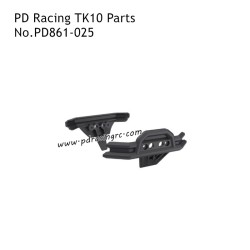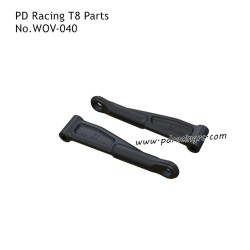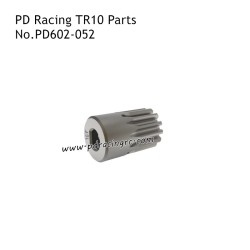

PD Racing TK10 High Speed RC Car Parts
Product Brand: PD Racing
Product Series: PD Racing TK10 RC Car
Effective Genuine Parts: Instead of buying a brand new high performance RC car, you can upgrade your existing PD RACING model with affordable parts.
Precision Manufacturing: Every PD RACING part is manufactured with the highest level of precision. This precision not only improves the overall functionality of the car, but also reduces the risk of mechanical failure during the race.
 Security policy
(edit with the Customer Reassurance module)
 Delivery policy
(edit with the Customer Reassurance module)
 Return policy
(edit with the Customer Reassurance module)
PD Racing TK10 RC Car Parts
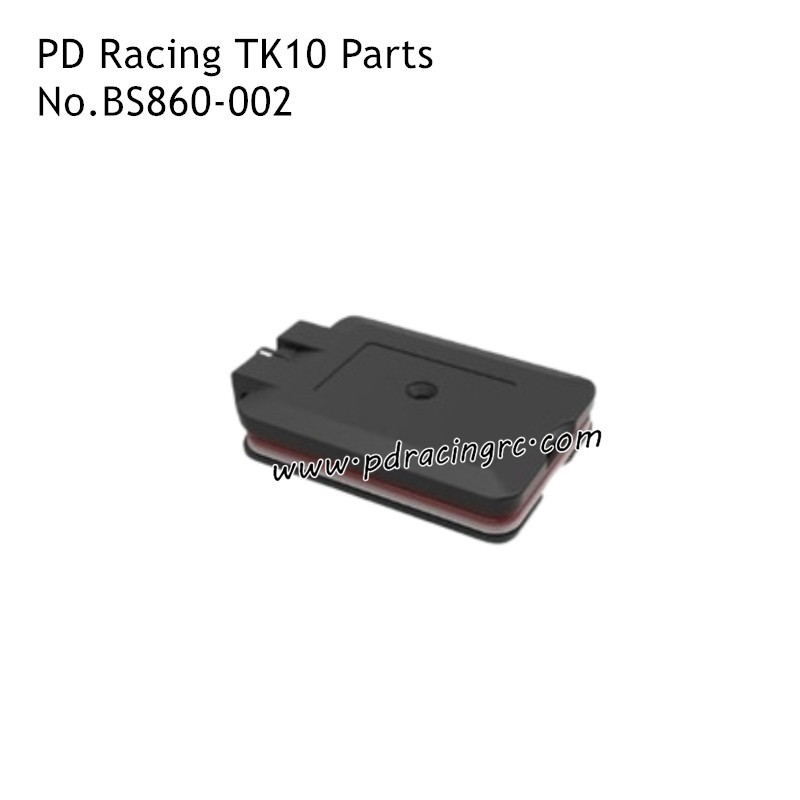
Item Name: Bluetooth Receiver Module;
Item Number BS860-002;
Item Version: Original;
Item Quantity: 1set;
Notice:
Bluetooth Receiver Module will only fit the PD Racing TK10 RC car.
Please be careful to look at the number and name of the product when purchasing, everything is based on the number.
Package Included:
1x Bluetooth Receiver Module
Image shows detailed specifications table for Bluetooth module:
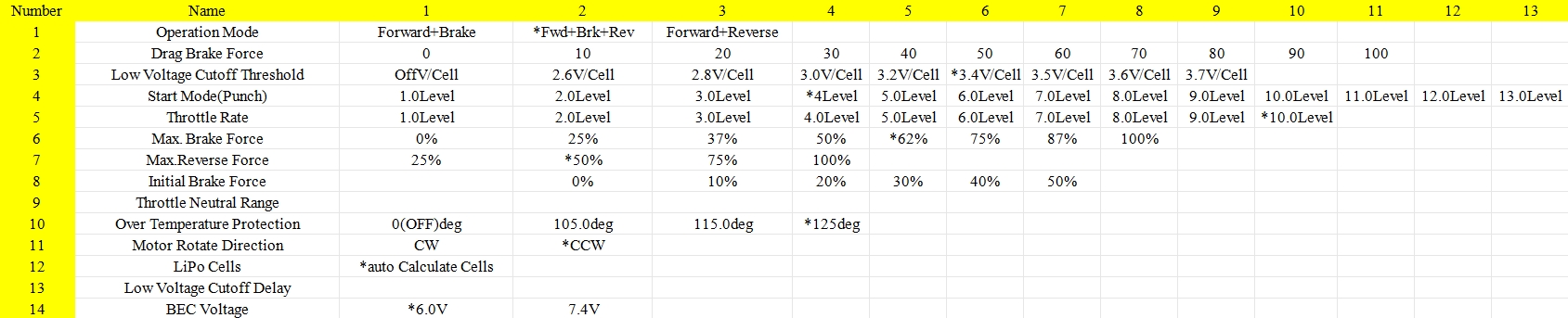
The asterisk (*) denotes the factory settings for the PD Racing TK10 remote-controlled car.
FAQ:
PD Racing TK10 rc car's Bluetooth Receiver Module gets hot after long sessions. Should I worry?
How should players adjust the parameters after purchasing the PD Racing TK10 Bluetooth module?
(I) ESC Module Physical Connection
Unplug the fan connector on the ESC module first. If the connector is hard to remove, unplug the motor wires instead.Confirm the module orientation: insert it steadily into the corresponding ESC port with the shiny side facing inward. Ensure a tight, secure connection to avoid poor contact.
(II) APP Download and Bluetooth Connection
Power On: Turn on the vehicle to supply power to the ESC.
APP Download
Bluetooth Pairing: Open the BSD APP, select "ESC Bluetooth" from the device list, tap to connect, and enter the main interface. Note: No Chinese interface; all parameters are displayed in English.
(Ⅲ) Final Steps (Save + Exit)
Save Parameters
After adjusting all parameters, tap the menu button at the top-right corner of the APP. Select "save" from the pop-up options. A "Done" prompt confirms successful saving—retry if no prompt appears.
Exit the APP
Tap the hamburger icon at the top-left corner, select "quit" to exit the BSD APP. The ESC setup process is now complete.
About PD Racing TK10 RC Car:
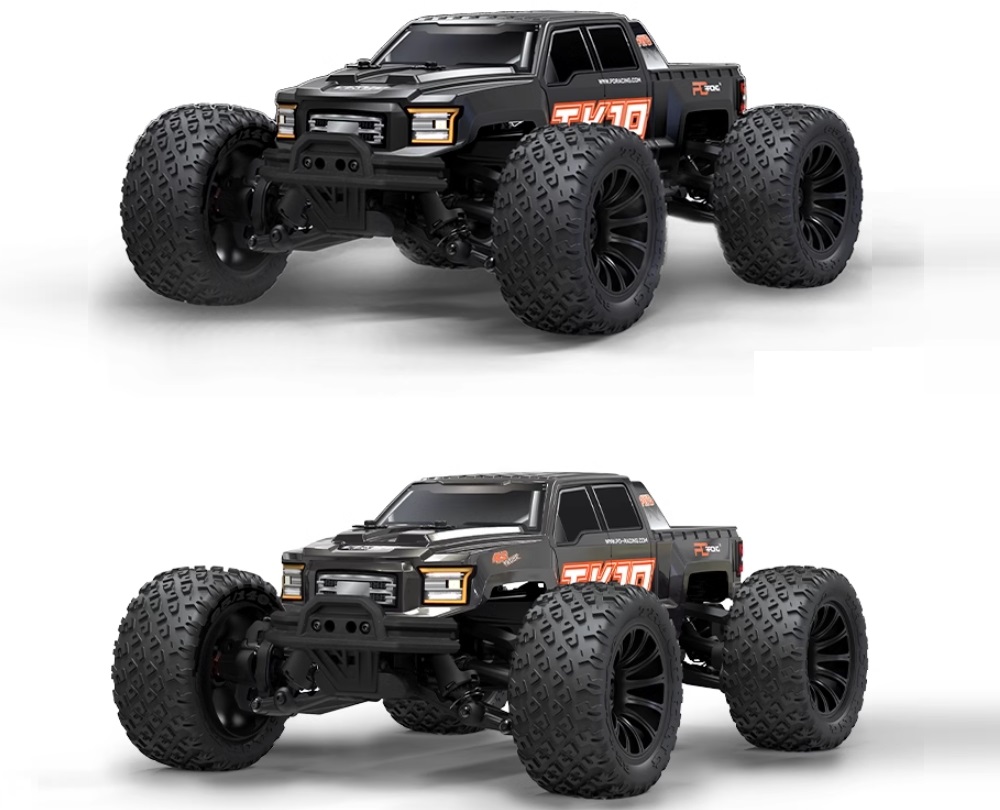
PD Racing TK10 RC car combines sleek aesthetics with robust performance. It comes equipped with a high-speed motor, responsive steering, and a durable body. Included accessories such as a rechargeable battery, charger, and spare parts make it ready for action.
We have a professional sales team, after receiving your inquiry, we reply your email as soon as possible to provide you with the most assured service.
You might also like
PD Racing TK10 High Speed RC Car Parts
Product Brand: PD Racing
Product Series: PD Racing TK10 RC Car
Effective Genuine Parts: Instead of buying a brand new high performance RC car, you can upgrade your existing PD RACING model with affordable parts.
Precision Manufacturing: Every PD RACING part is manufactured with the highest level of precision. This precision not only improves the overall functionality of the car, but also reduces the risk of mechanical failure during the race.